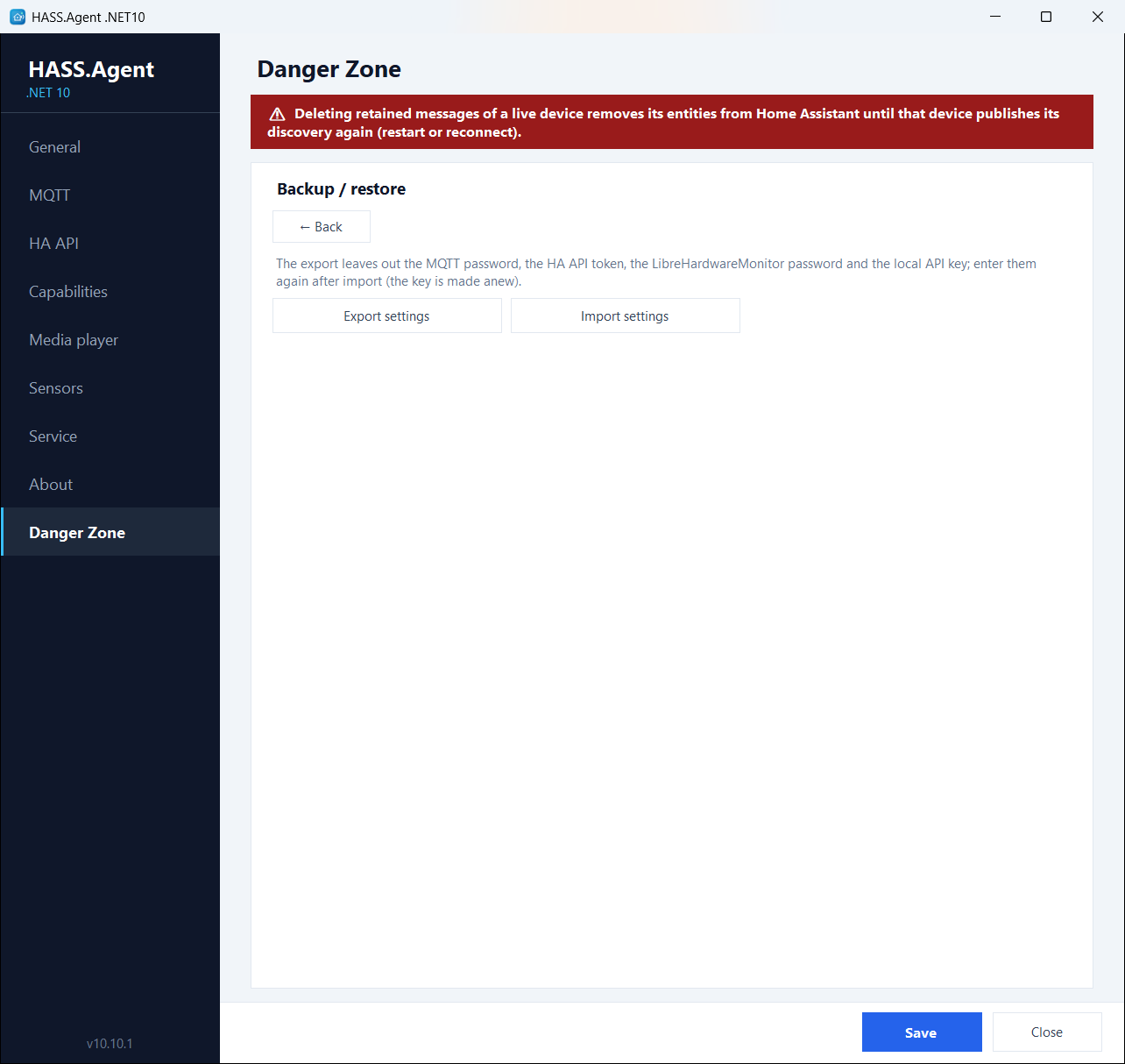
Danger Zone
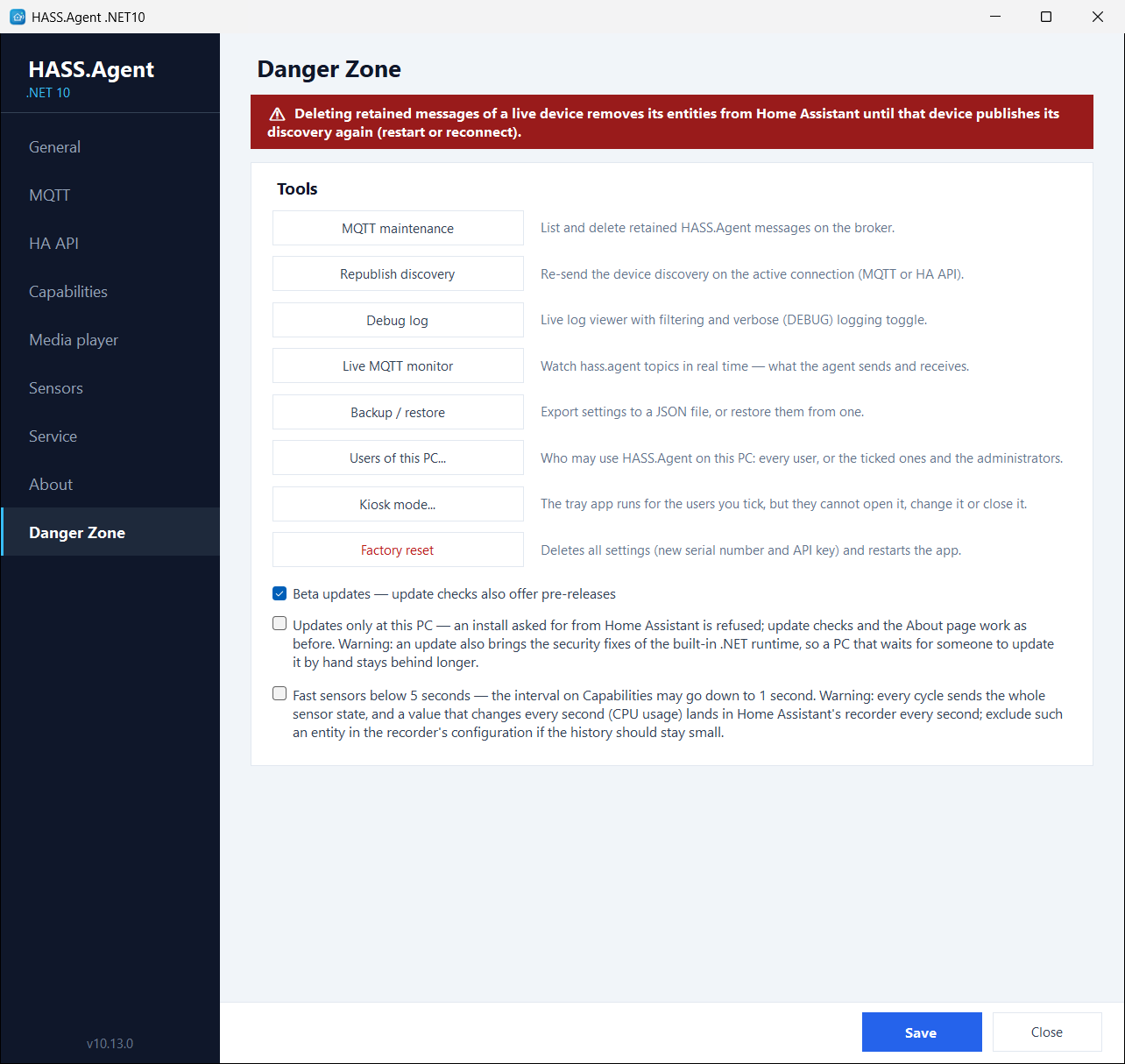
An opt-in maintenance and diagnostics toolbox. Enable it with the Danger Zone checkbox on the General page and a new page appears with the following tools:
| Tool | What it does |
|---|---|
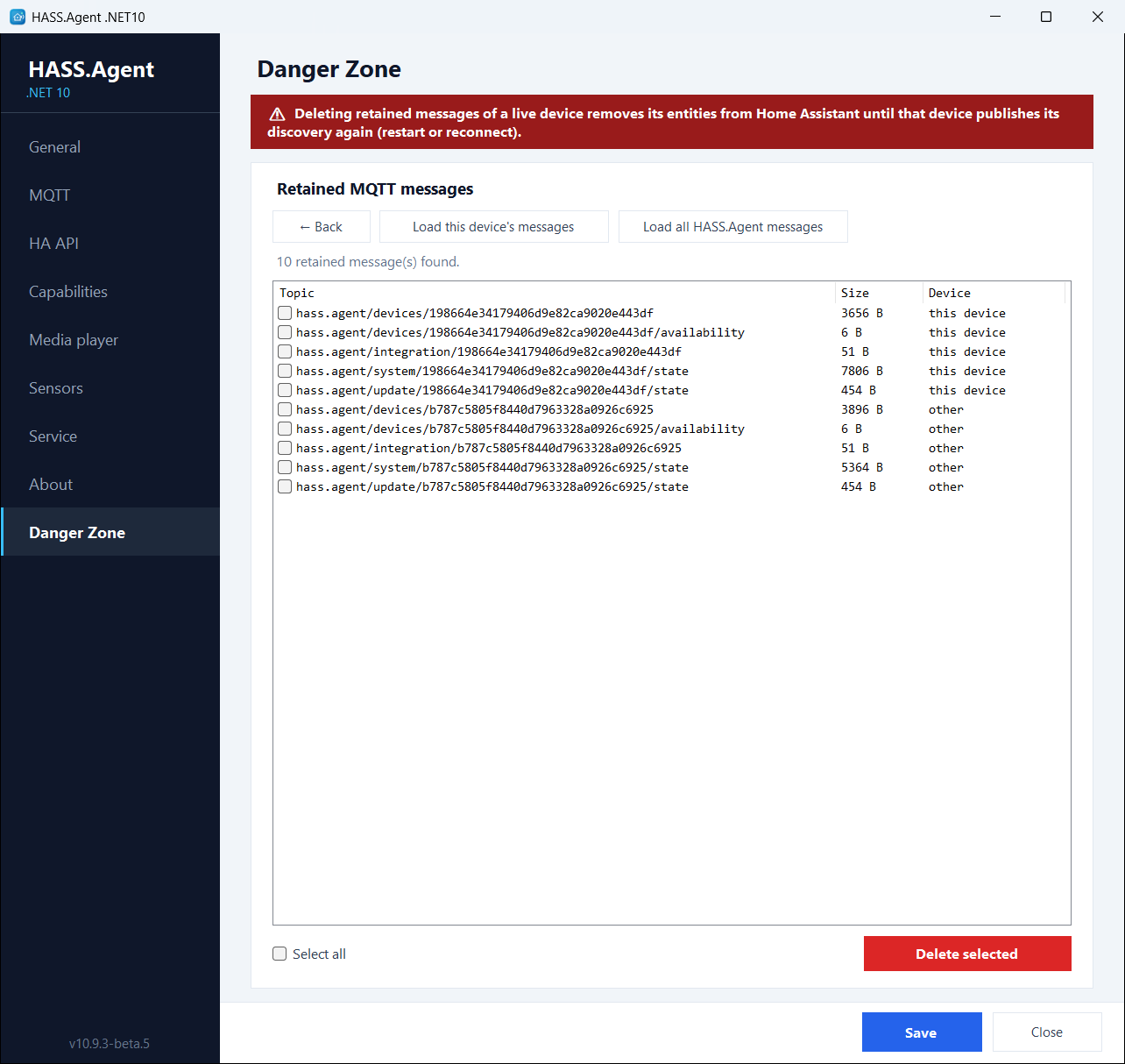
| MQTT maintenance | Lists every retained HASS.Agent message on the broker (this device's or all devices') and deletes the selected ones: the cure for ghost entities after renames or reinstalls. |
| Republish discovery | Re-sends the device discovery on the active connection (MQTT or HA API) without restarting the app. |
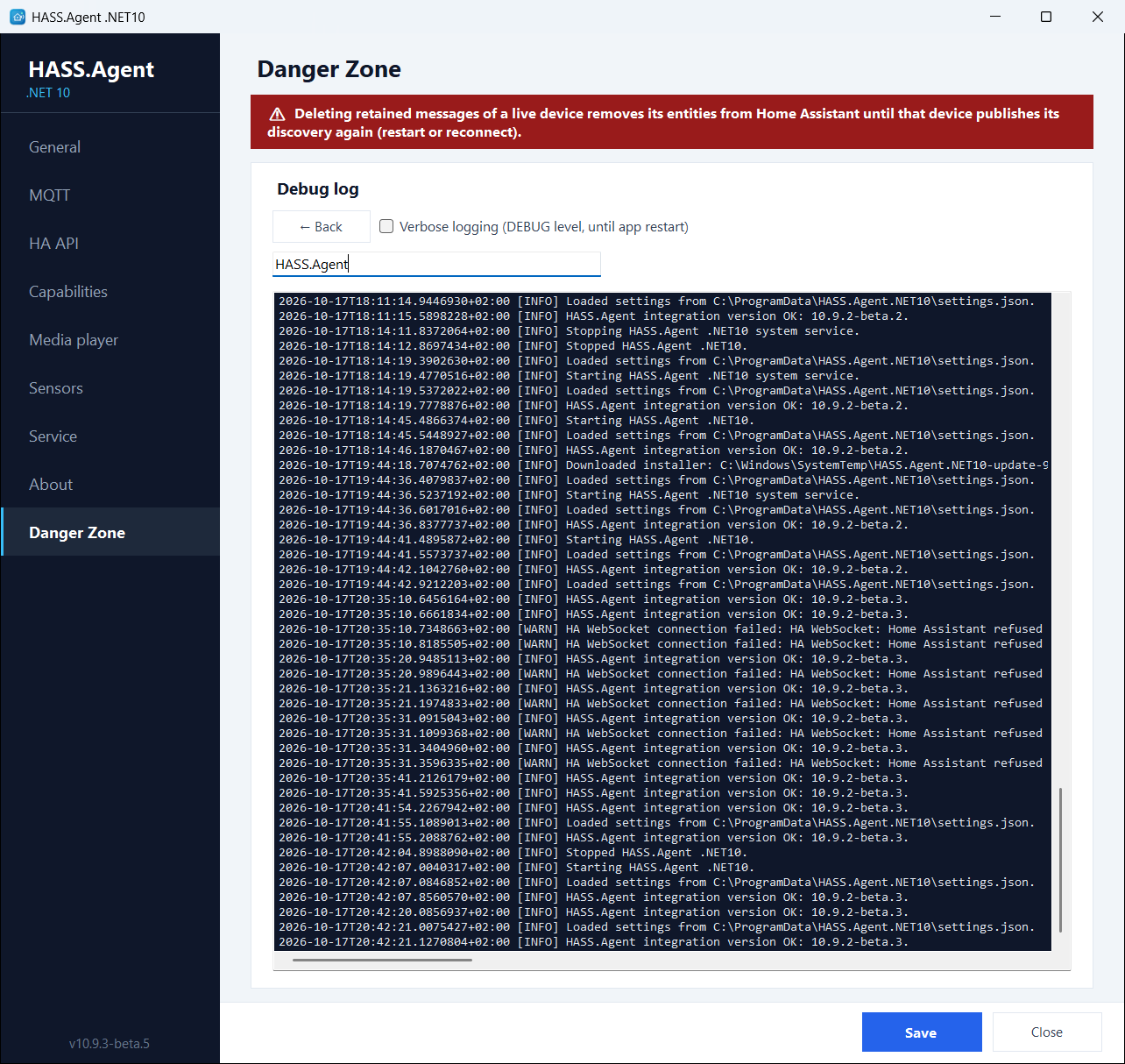
| Debug log | Live log viewer with filtering, plus a verbose toggle that enables DEBUG-level logging (including every sent and received MQTT message) until the next restart. |
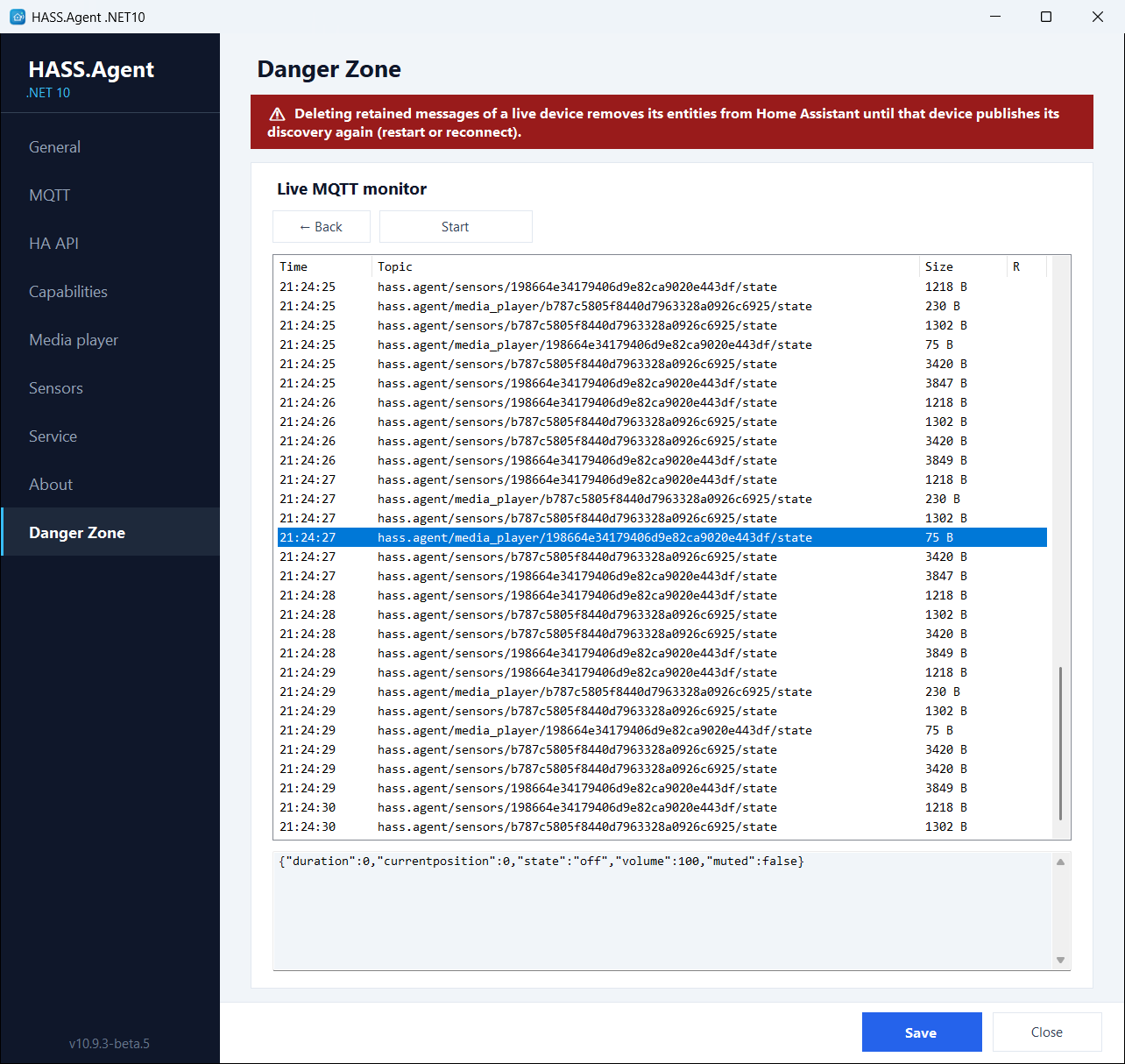
| Live MQTT monitor | Watches the hass.agent/# topics in real time with a payload preview: exactly what the app sends and receives. |
| Backup / restore | Exports the settings to a portable JSON file and restores them from one. The secrets are left out: the DPAPI-protected MQTT password, HA API token and LibreHardwareMonitor password are machine-bound, and the local API key is made anew by the import when the API is on. Import from HASS.Agent takes over the settings of the classic client, see Coming from HASS.Agent. |
| Users of this PC | Who may use HASS.Agent on this PC: every user, or the ticked ones and the administrators. See Who may use it on this PC. |
| Kiosk mode | The tray app runs for the ticked users, who cannot open, change or close it. See Kiosk mode. |
| Factory reset | Deletes all settings after a double confirmation and restarts the app with a fresh serial number. |
Three switches live here as well:
- Beta updates: the update checks include GitHub pre-releases, so you can follow the beta channel. Stable users are never offered a pre-release. See Updates from Home Assistant.
- Updates only at this PC (10.13.1+): an install asked for from Home Assistant is refused, and the update entity there has no Install button; update checks and the About page work as before. Not for most PCs: an update also brings the security fixes of the built-in .NET runtime, and a PC updated by hand stays behind longer. See Updates only at the PC.
- Fast sensors below 5 seconds (10.10.0+): the fast polling profile may go down to 1 second, with a note on what that means for the traffic and for Home Assistant's recorder, which writes a row at every change; a sensor you want every second but not in the history goes on the recorder's exclude list.